
Broker setup guide
Finding the correct
XAUUSD symbol
Gold can have a different symbol name and different contract specifications at every broker. An EA or cBot must use the exact symbol shown in that trading account.
Common names
XAUUSD is not always called XAUUSD
Examples include XAUUSD, XAUUSD.P, XAUUSDp, XAUUSD.a, XAUUSDm and GOLD. Capitalisation and punctuation matter. Use the exact name visible in Market Watch or the platform's symbol list.
Broker suffix question
What does XAUUSD.P mean?
XAUUSD.P is a broker-specific name for a Gold instrument. The .P suffix does not have one universal meaning across brokers or account types. The name alone does not tell you its contract size, tick value, trading costs, margin requirements or trading hours. Open the specification for the exact symbol in your own MT5 or cTrader account before testing an EA or cBot.
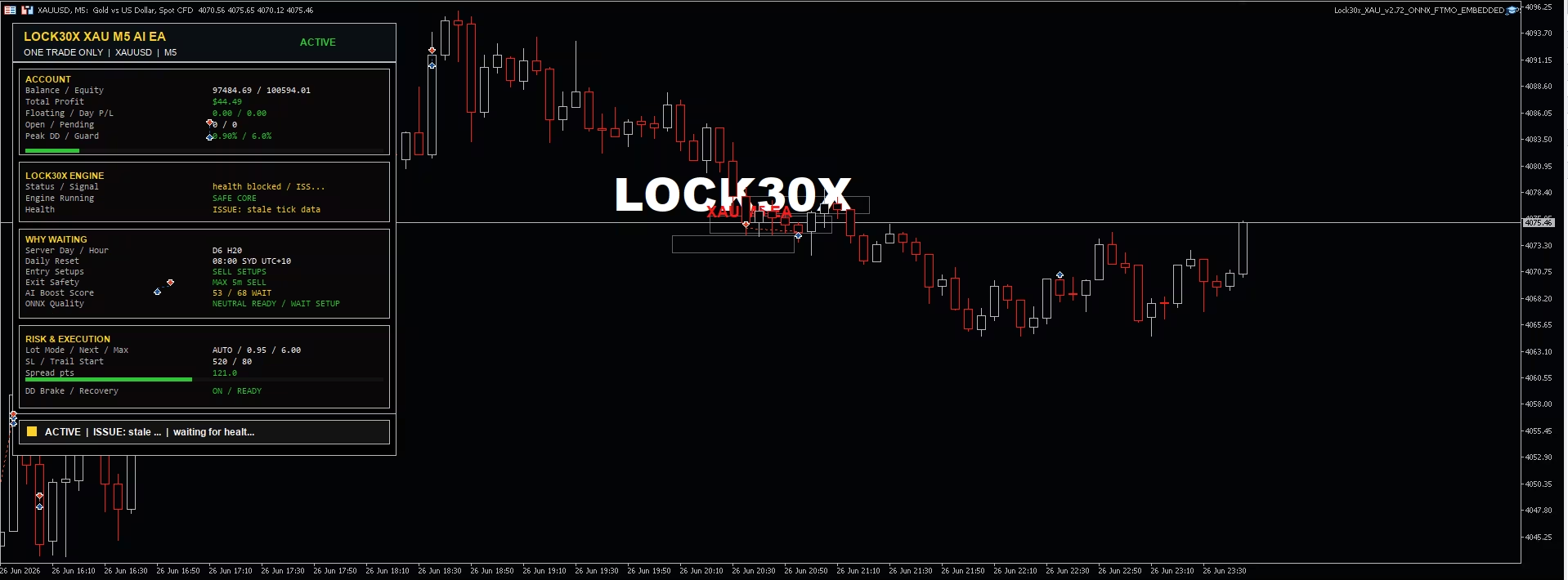
If you are loading a Lock30x cTrader preset, check that it matches your installed cBot build. After loading it, confirm the instance's actual broker symbol, timeframe and risk settings, then use the intended broker's data for a realistic backtest and demo test. Read the Lock30x setup guide.
Five checks before testing
Symbol name alone is not enough
- 01
Contract size
Check how many ounces one lot represents. The same lot number can produce very different exposure if contract specifications differ.
- 02
Digits and tick size
Confirm how the broker quotes gold and the smallest permitted price movement.
- 03
Spread and commission
Use realistic costs in backtests and watch how spread changes around news and rollover.
- 04
Minimum lot and step
Make sure the requested volume can be normalized to the broker's allowed minimum and increment.
- 05
Trading hours and server time
Broker sessions and daily reset times can change time filters, swaps and daily-risk calculations.
Important
Always verify specifications inside the exact account you will use. Demo, standard, raw-spread and prop accounts from the same broker may expose different symbol names or contract settings.